The Cogito Notes Guide
Capture what matters. Keep it forever.
The Philosophy
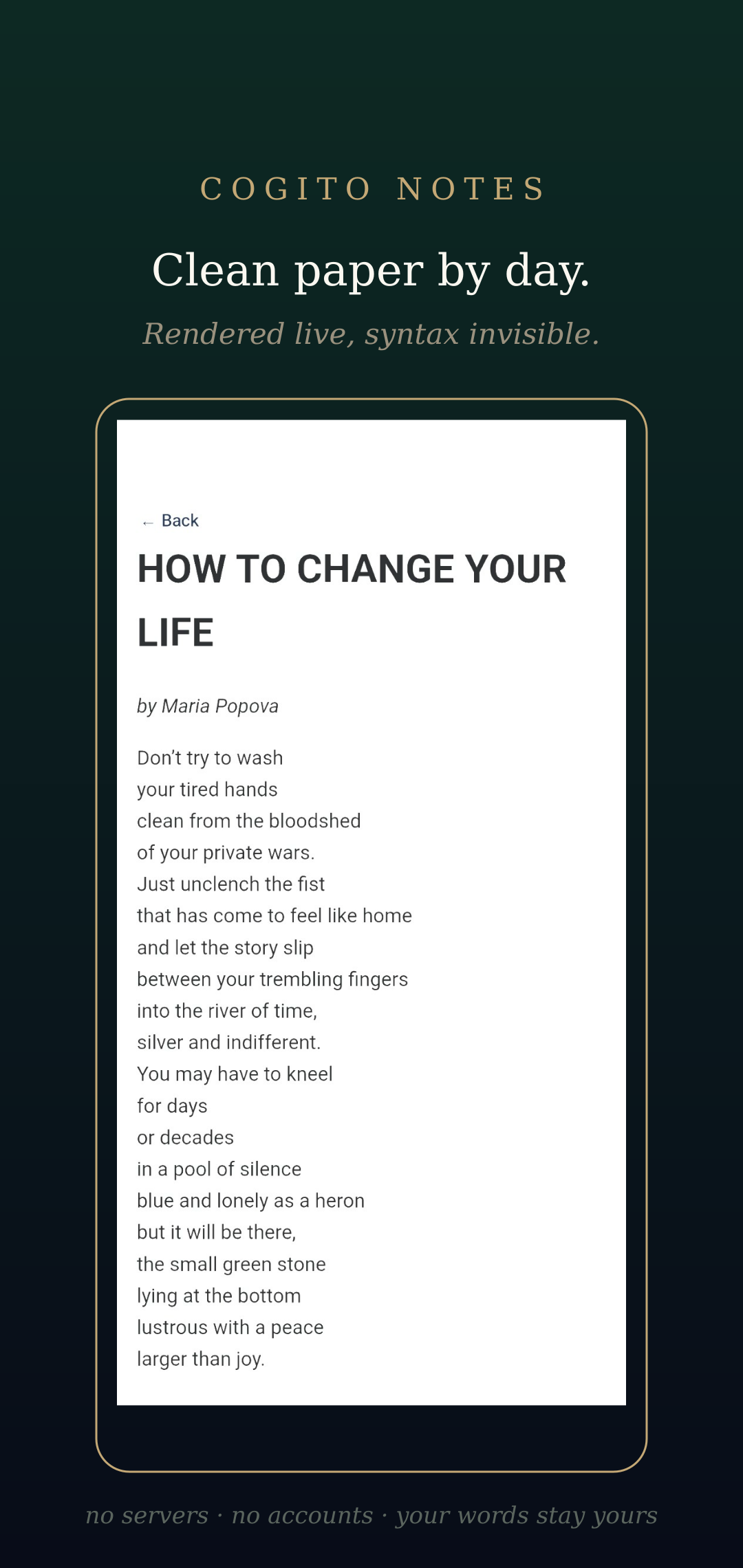
When you type, it’s just a clean paper
Notes is a quiet room. There are no servers, no accounts, no sync indicators, no plugins, no “smart” anything. You open the app and a clean paper waits. You write in markdown, and it renders as you type — but the syntax stays out of your way, invisible. When you’re done, your note is markdown: portable, readable, yours forever.
Why: note apps have become operating systems — Notion is a database, Obsidian is an IDE. Notes is the opposite: a piece of paper that knows markdown. The features serve the writing, not the other way around. If you want to think, not manage a note system, this is the room.
The Dashboard
Your notes at a glance — two lines, then the list
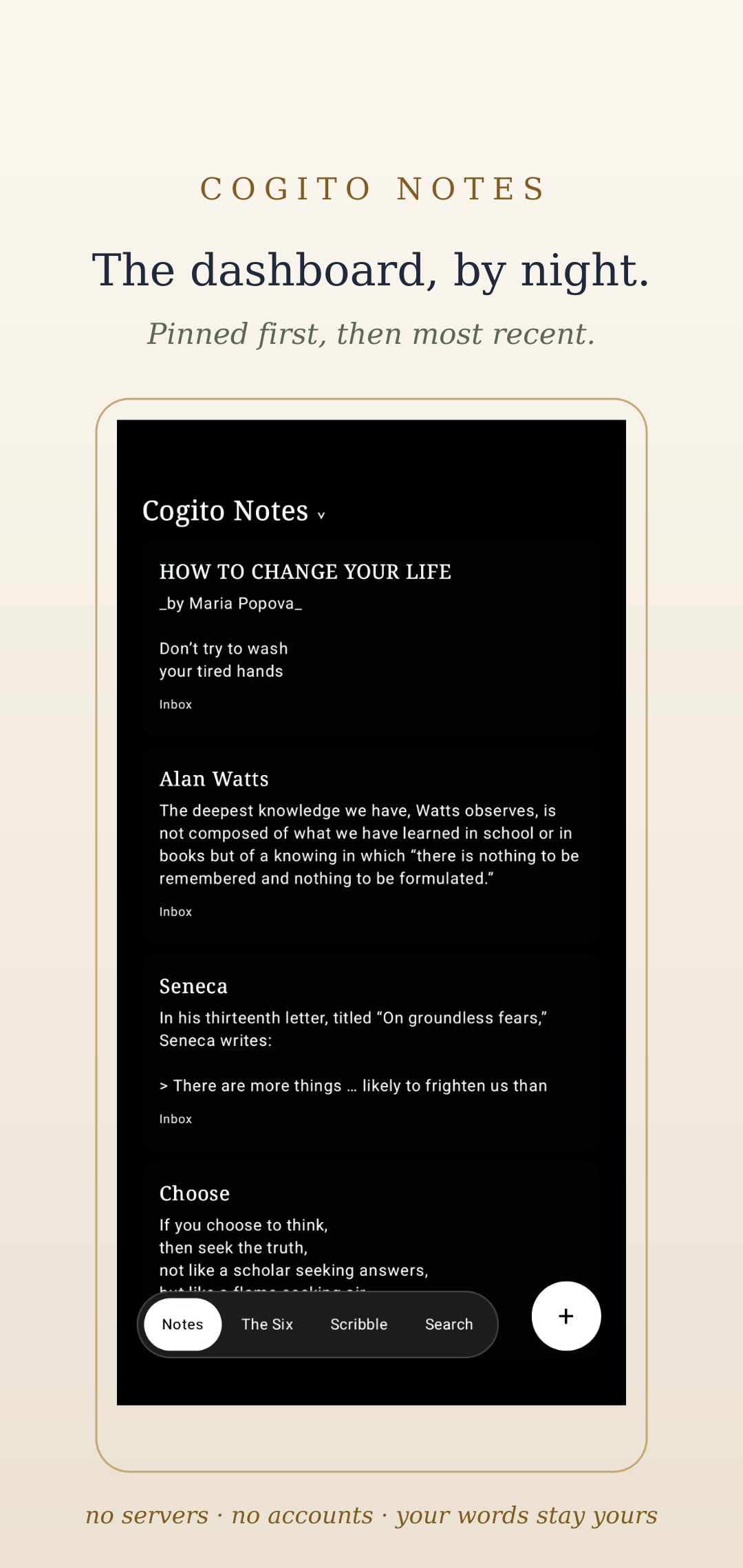
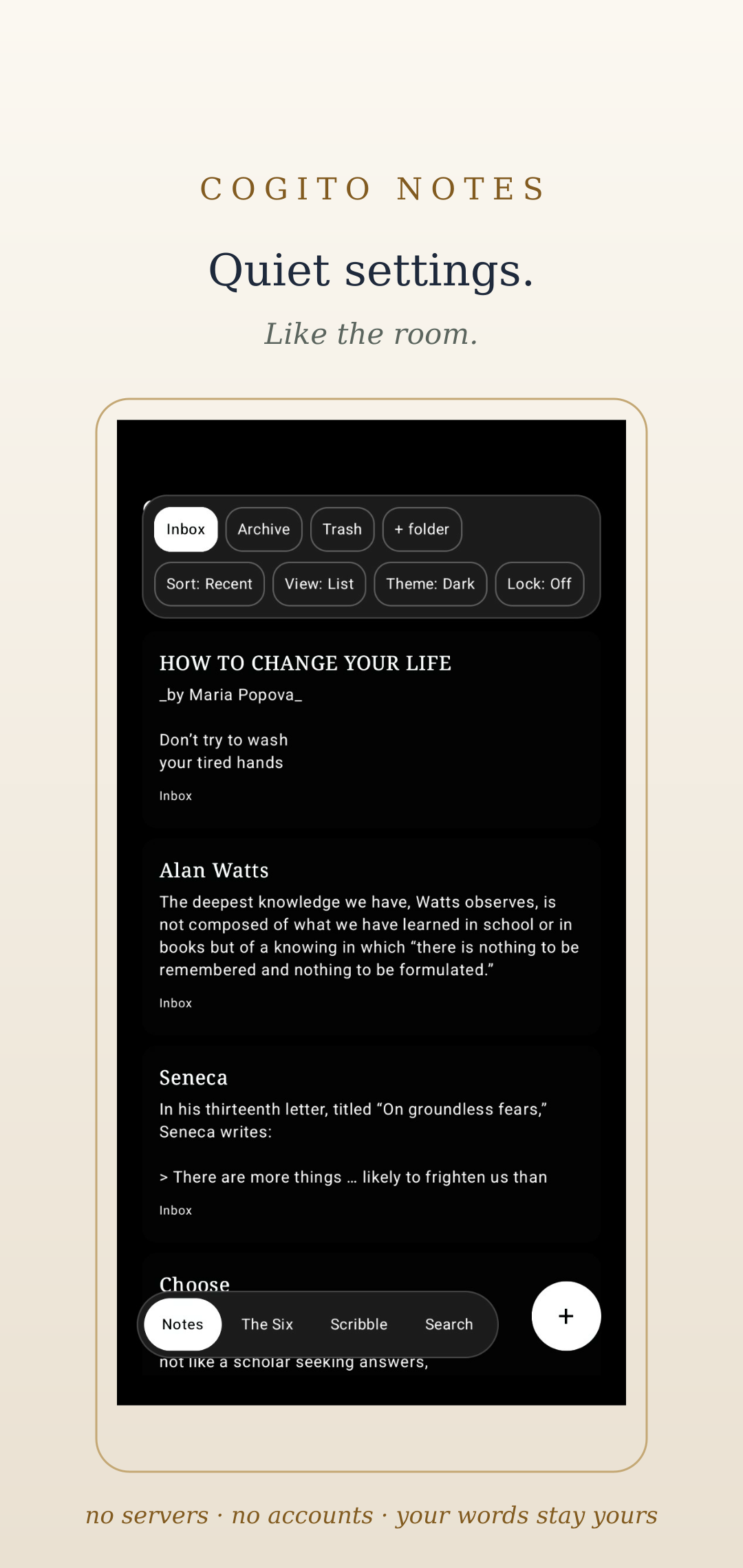
The Dashboard opens with your notes: pinned first, then most recent. Each card shows the title, a preview, and its folder. One line of controls at the top — search and tasks — and one line of folders: your labels left, the theme toggle right. The + button in the corner creates a new note.
Why: the dashboard’s job is to get out of the way. Two lines of chrome, then your words. Everything else is one tap deeper.
Open a note: Tap any card.
New note: Tap the + in the bottom corner.
Switch folders: Tap a folder chip along the folder line.
The Editor
One line of controls, then pure paper
The editor is one toolbar — back arrow, a color dot, the folder name, and Save — and then nothing but your title and your words. The content fills the screen. No toolbars crowding the edges, no formatting ribbon, no distraction. Just paper.
Why: writing happens in the space between the tool and the thought. Every button you can see is a thought you didn’t have. The editor’s design removes everything that isn’t the page.
The toolbar: ← returns to your notes. The color dot opens the palette. The folder name cycles through your folders with each tap. Save writes the note and returns home.
Title: The first line, large serif. This is your note’s name.
Content: Everything below — markdown, rendered live as you type.
Markdown
Rendered as you type — syntax invisible
Your notes are markdown, and the editor renders it live: headers grow, bold is bold, italics lean, ~~strikethrough~~ strikes, code sits in monospace, quotes go italic, checkboxes check off. The syntax markers — the #, the ** — are invisible while you type. You see only the result. The markdown is always there underneath: your note stays portable, plain-text forever.
Why: raw markdown is for machines; rendered markdown is for reading. Hiding the syntax gives you the reading experience while keeping the portability — the note is still a .md file in spirit, readable by any tool, forever.
# Header — big and bold (levels 1–4: # through ####)
**bold** — bold
*italic* — italic
~~struck~~ — ~~struck~~
`code` — monospace
> quote — italic block
- [ ] task / - [x] done — checkboxes
- item — lists
Folders
Organize by what matters, not by what the app allows
Folders are labels you name: Inbox, Work, Ideas, whatever your life needs. Create new ones from the dashboard (+ folder), move notes between them from the editor (tap the folder name to cycle), and filter the dashboard by tapping a folder chip.
Why: organization should follow your mind, not a predefined taxonomy. Your folder names are your own — the app imposes nothing.
Note Colors
A gentle palette — visual distinction without noise
Each note can carry a color from the warm palette: default white, cream, blue, sage, rose, lavender, gold, teal. The color tints the note card in the dashboard. Set it from the editor: tap the color dot in the toolbar, choose from the palette, and it collapses back to a single dot.
Why: color is the fastest visual sorting system humans have. A glance at the dashboard and the gold notes are the work ones, the blue ones are the ideas — you choose the meaning. The palette is gentle pastels because your notes shouldn’t shout at you.
Pin & Trash
Priority and lifecycle, both reversible
Pin a note and it floats to the top of the dashboard, marked with a star — the ones you’re living in right now. Trash a note and it leaves the main list but is never gone: the Trash folder holds it, and one tap restores it.
Why: nothing should be destructive by accident. Pinning respects your attention (what you’re working on rises); trashing respects your history (what you removed can return). The only permanent deletion is emptying the trash — a deliberate act, never a surprise.
Pin: Tap the star (☆) on any note card.
Trash: Tap the × on any note card. The note moves to Trash.
Restore: Open the Trash folder, tap × on any trashed note — it returns to its folder.
The Knowledge Tree
You write; the house organizes
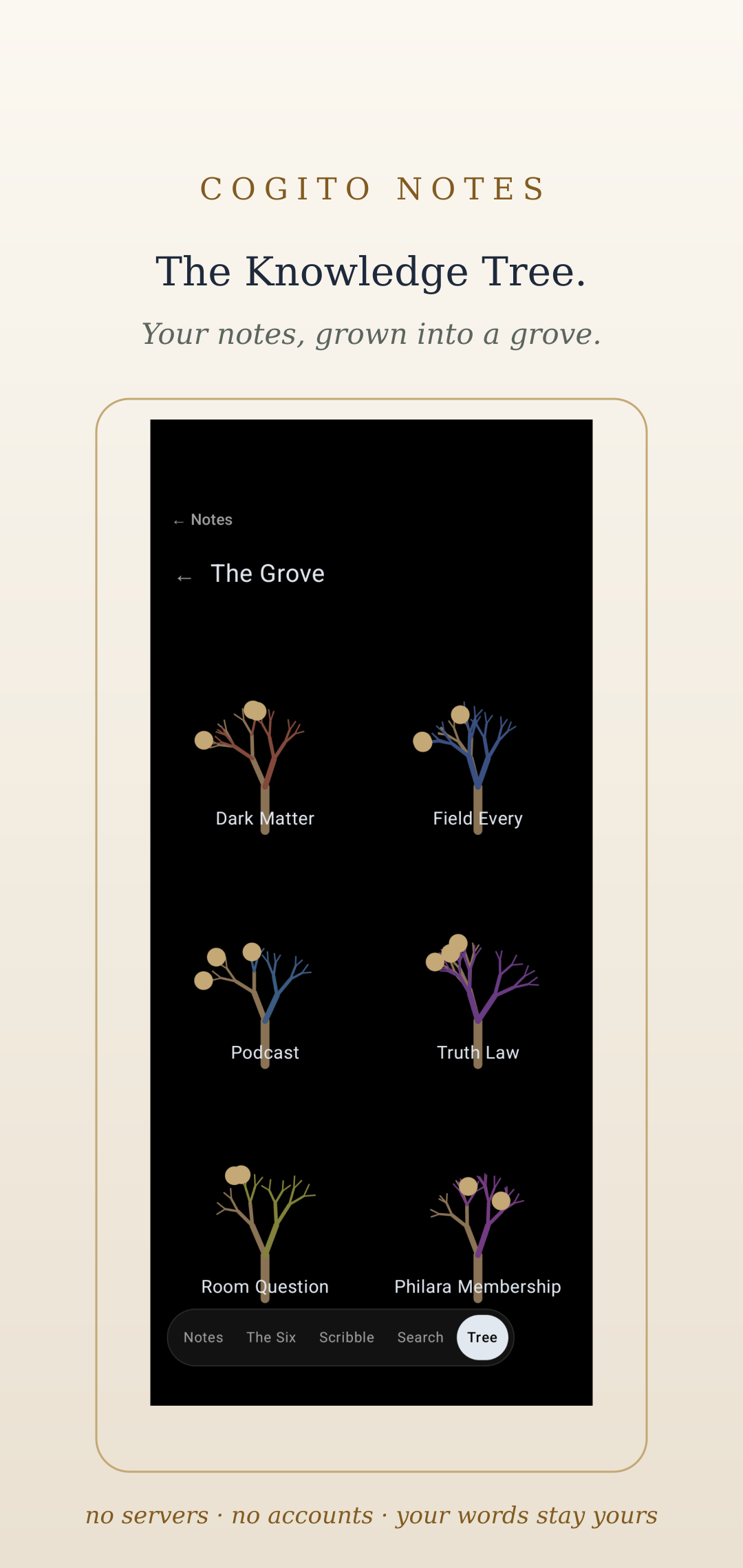
Your notes cluster into branches as you write — ideas, topics, and concepts the app finds in your own words, without tags, links, or any work from you. Each branch hangs with its notes like fruit; each branch name is proposed by the app and renamed by you in one tap. Combine a branch’s notes and they read as a chapter — the story of one idea, told in the order you explored it.
Why: organizational work is thinking work you didn’t sign up for. Notes apps make you build the filing system before you trust them with a thought. The tree grows itself from what you actually wrote — the knowledge page is a map of your mind, and the only job you ever had was the writing.
Open the tree: Tap Knowledge. Walk the branches — every note is a fruit on the idea it belongs to.
Rename a branch: The app proposes a name from your own words. Tap it to call the idea what you call it.
Read a chapter: Combine a branch’s notes into one document — the story of one idea.
Hybrid search: Search by word, or wander the branches.
Word Count
42w · 208c — a small honest mirror
Under the editor, a single line: the live word count and character count of your note. No goals, no gamification — just the truth of how much you’ve written, updating as you type.
Why: writers need a mirror, not a coach. The count is there when you want it and invisible when you don’t.
Export
MD, Txt, HTML — copy anywhere, no lock-in
Three buttons at the bottom of every note: MD copies the raw markdown, Txt copies plain text (all syntax stripped), HTML copies clean rendered HTML. Paste into any app, any editor, any system — your note works everywhere.
Why: your words belong to you. Any app that holds your notes hostage is not a home, it’s a cell. Notes keeps your words portable by design — every note is one tap from anywhere else.
MD: The full markdown with title — paste into any markdown editor.
Txt: Plain text, readable anywhere — email, messages, anywhere.
HTML: Formatted web-ready content — paste into sites and docs.
The Six
Today’s most important — the Ivy Lee method
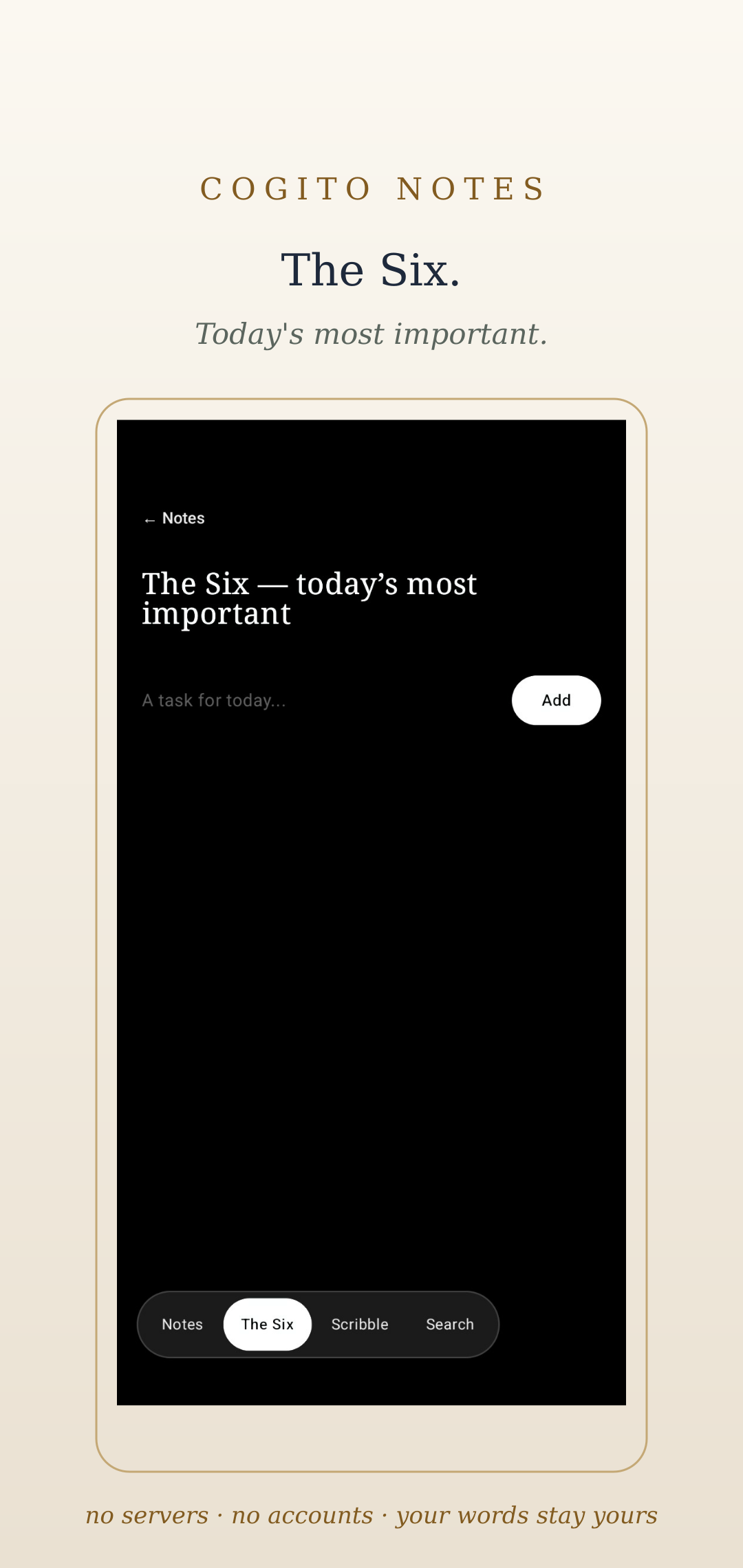
The Tasks screen holds your daily list: the six most important things for today. Write them, check them off, and watch them fall. The list resets each day — what you complete, you complete; what you don’t, tomorrow decides again.
Why: the Ivy Lee Method is a century old and undefeated: six tasks, priority order, one at a time, no exceptions. It works because it honors your limits. Long to-do lists create anxiety; short ones create work. The Six keeps the list honest and the day winnable.
Write: Tap Tasks on the dashboard, type a task, tap Add.
Complete: Tap the circle. The line strikes through.
Remove: Tap the × — the task leaves the day.
Search
Every word you’ve written, one query away
Tap Search on the dashboard and type. Search reads titles and full content — any word, any fragment — and shows matching notes instantly. Your memory is total.
Why: notes you can’t find are notes you don’t have. Search turns your archive into a memory you can consult — “what did I write about the cabin trip?” — and the answer appears.
Both Themes
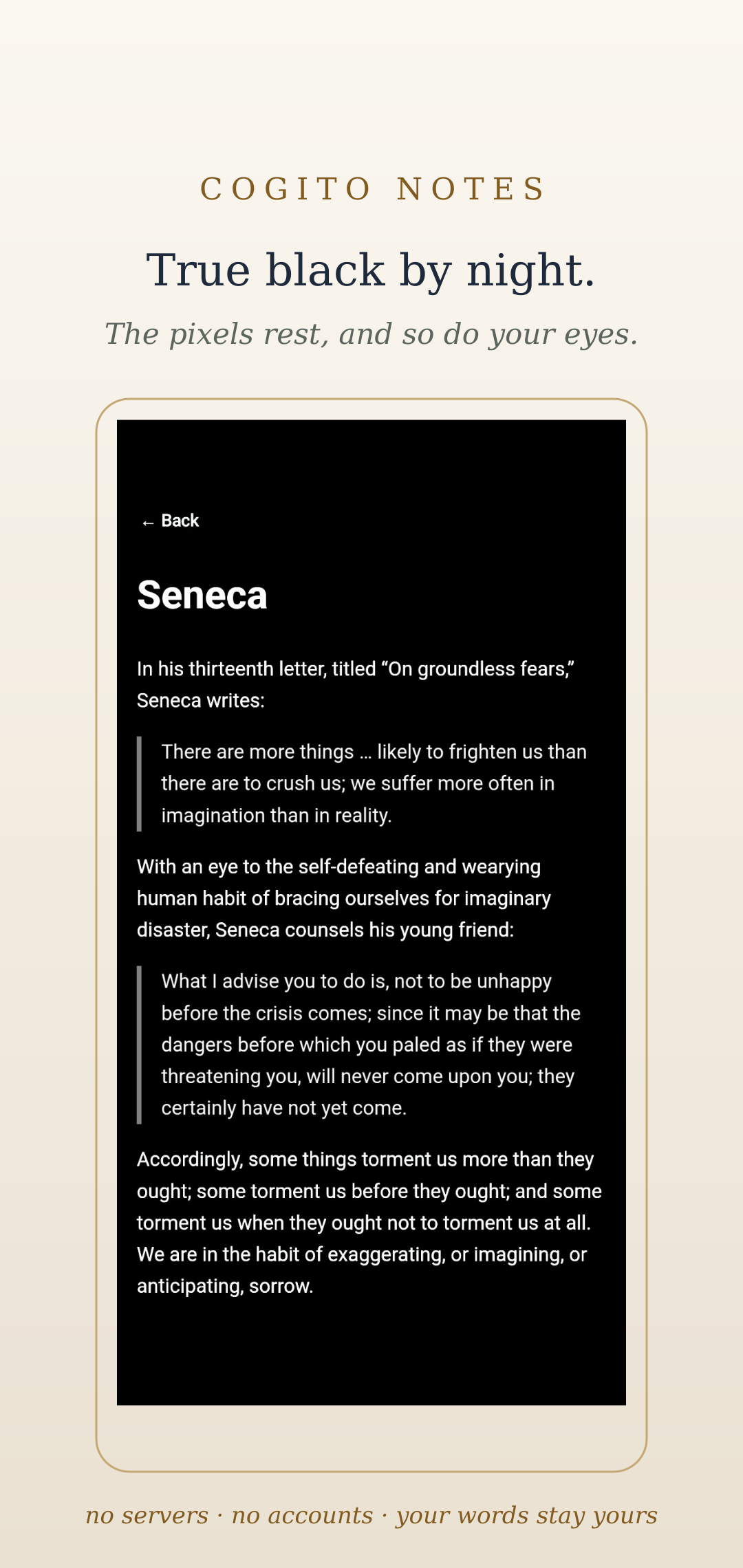
Cream paper by day, true black by night
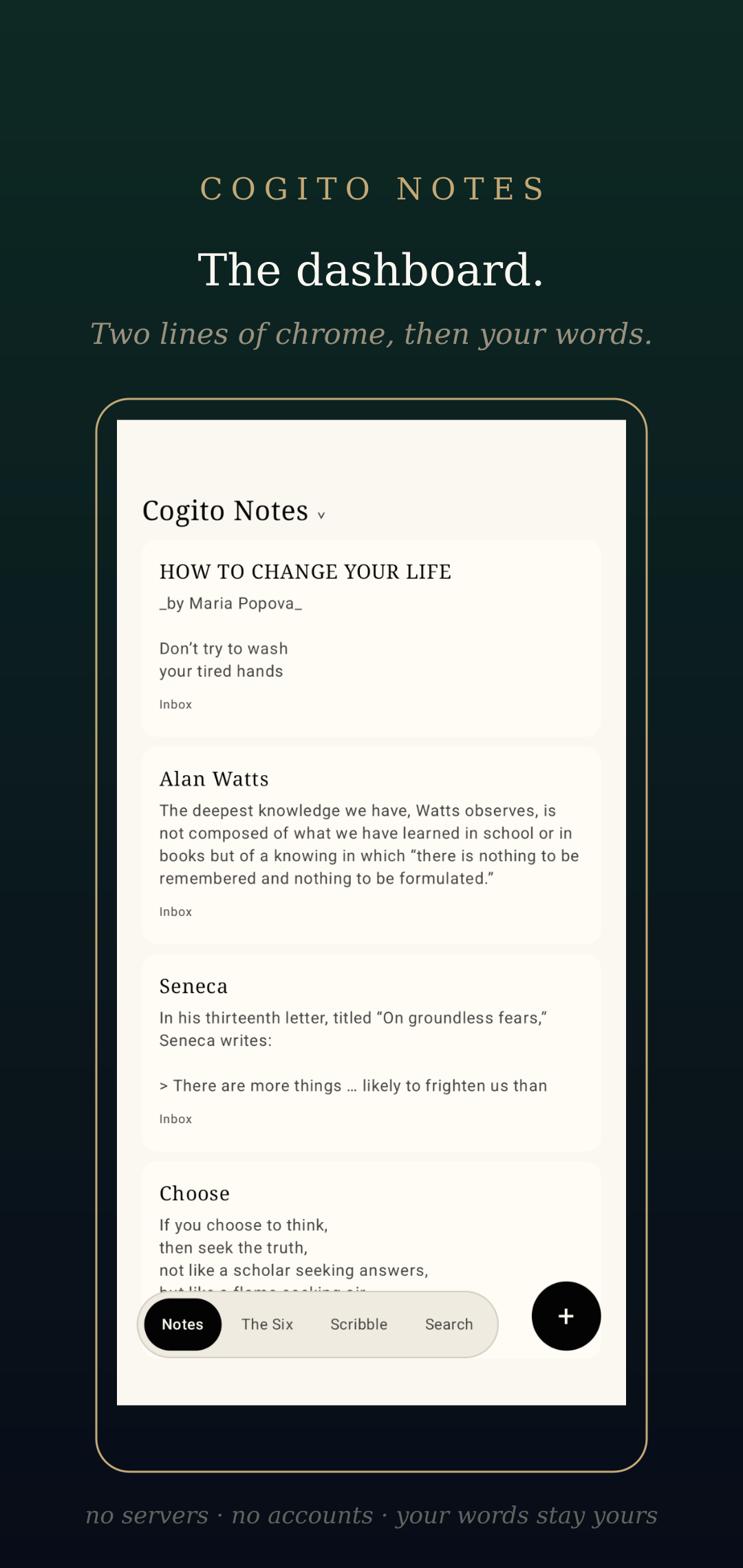
Notes has two faces. Cream is warm paper — a soft, reading-friendly background with crisp dark text, like a well-made journal. Dark is OLED true black — the pixels literally turn off, saving battery on OLED screens and giving your eyes the deepest rest. The toggle lives at the right end of the folder line, and your choice persists across sessions.
Why: reading light-on-black at night and black-on-cream by day isn’t a preference — it’s physiology. Cream is daylight for thinking; true black is night for reflecting. The app remembers which one you chose because it should.
Privacy
No server. No account. No one — not even us.
Your notes live in your device’s local storage. There is no server-side database, no sync service, no analytics, no account to create. The words you write are physically on your device, sandboxed by the browser or OS, readable by no one but you. We built the app so we cannot read them — the architecture makes the privacy physical.
Why: your notes are your thinking made visible — drafts you wouldn’t show anyone, ideas you haven’t said aloud, the private margin of your mind. Those words deserve architecture that respects them. Not a privacy policy that can change; a design that cannot.